362 字 2 分钟
Bilibili 直播去遮挡—移除马赛克蒙层
⚠️ 注意:该方法仅适用于电脑端,手机暂时没有方法删除。
🧰 四种解决方法
方法一 🚀 Console 一键隐藏
按 F12 打开控制台(Console),输入以下内容并回车:
document.getElementById('web-player-module-area-mask-panel').style.display = 'none';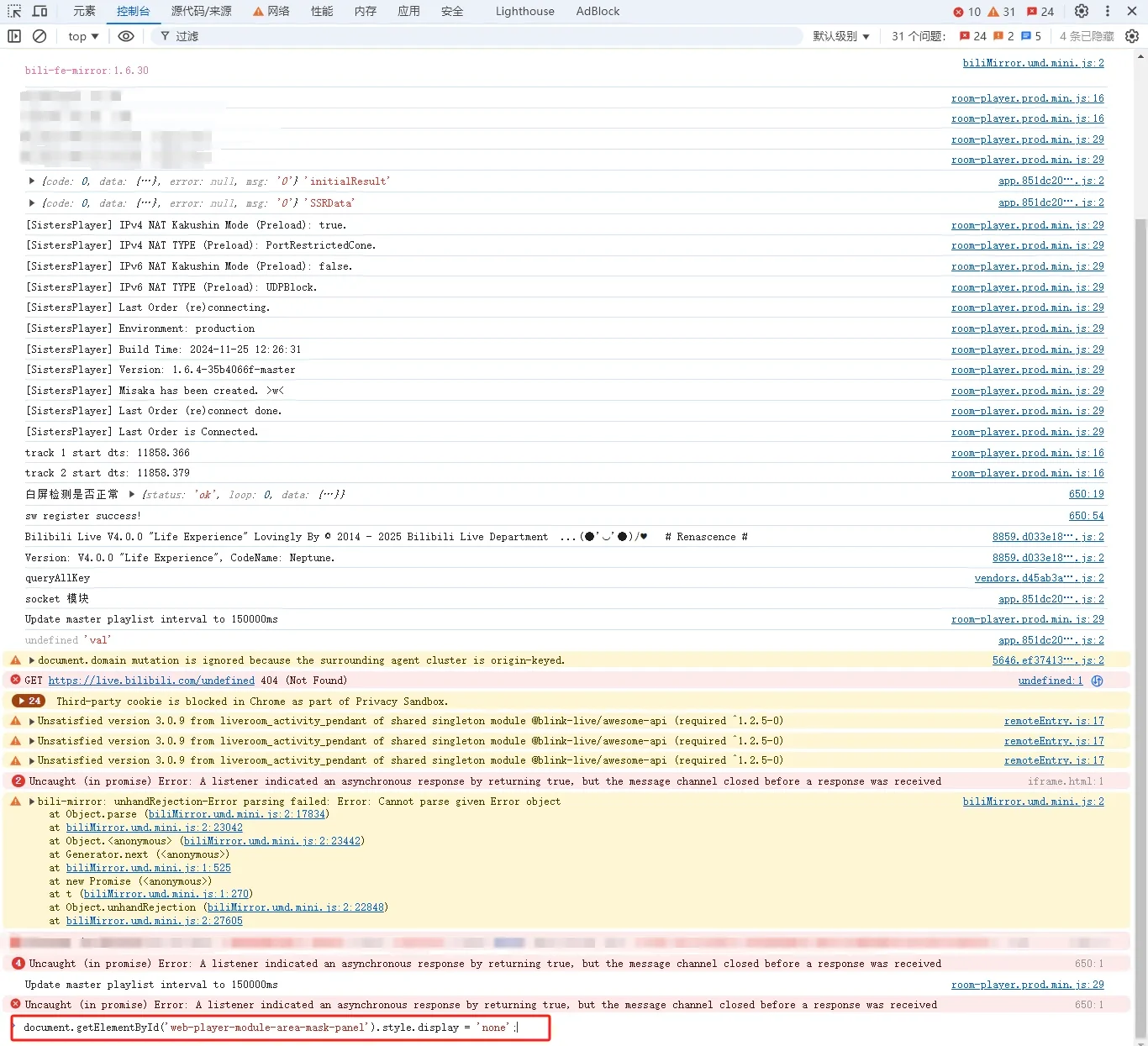
✅ 最快速 — 无需安装任何东西,一次管一次。
方法二 🎯 元素删除法
按 F12 打开元素面板(Element),找到以下节点:

按 Delete 键删除即可。
方法三 📦 使用现成油猴脚本
Bilibili Live Tasks Helper
🔗 https://greasyfork.org/zh-CN/scripts/406048-bilibili-live-tasks-helper
(如何安装油猴插件请自行搜索 🔍)
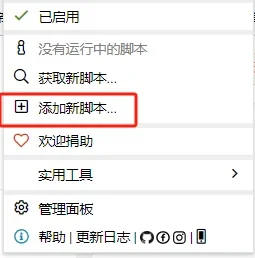
可能是本人水平不够,没有找到脚本的配置入口,于是自己写了一个…👇
方法四 ✍️ 自建油猴脚本
如果现成脚本不好用,可以自己动手创建一个新的油猴脚本,然后把下面的代码复制进去就行啦 ✨
// ==UserScript==// @name Modify Style for Bilibili Player// @namespace http://tampermonkey.net/// @version 1.0// @description Modify the style attribute of .web-player-module-area-mask on live.bilibili.com// @author Anonymous// @match https://live.bilibili.com/*// @grant none// ==/UserScript==
(function() { 'use strict';
// Function to modify the style of the target elements function modifyStyle() { var elements = document.querySelectorAll('.web-player-module-area-mask'); elements.forEach(function(element) { element.style = ''; }); }
// Use a MutationObserver to watch for changes in the DOM var observer = new MutationObserver(function(mutations) { mutations.forEach(function(mutation) { if (mutation.addedNodes.length) { // Check if the target element is in the added nodes var targetElement = Array.from(mutation.addedNodes).find( node => node.classList && node.classList.contains('web-player-module-area-mask') ); if (targetElement) { modifyStyle(); } } }); });
// Start observing the document body for added nodes observer.observe(document.body, { childList: true, subtree: true });
// Also modify existing elements on script load modifyStyle();})();Joey0609 · 2024-01-23
CC BY-NC-SA 4.0https://joey0609.github.io/posts/003_bilibili_mask_remove/bilibili_mask_remove/